
My first printed book
All my life, I’ve dreamed of writing a book. Ideally, a great novel, but anything would do. So, when I first thought about writing a guide for my favorite software, Adobe Lightroom®, it seemed like a great way to check off another item from my bucket list.
But little did I know...

A road to nowhere
What initially seemed like a walk in the park turned out to be more like climbing slippery rocks..
First of all, there wasn’t even a similar guidebook in Greek, and although this was a major advantage for my book, it made it difficult for me to simply start somewhere. I had no foundation. This led me to read a few English guides, but that soon revealed the biggest challenge of all.
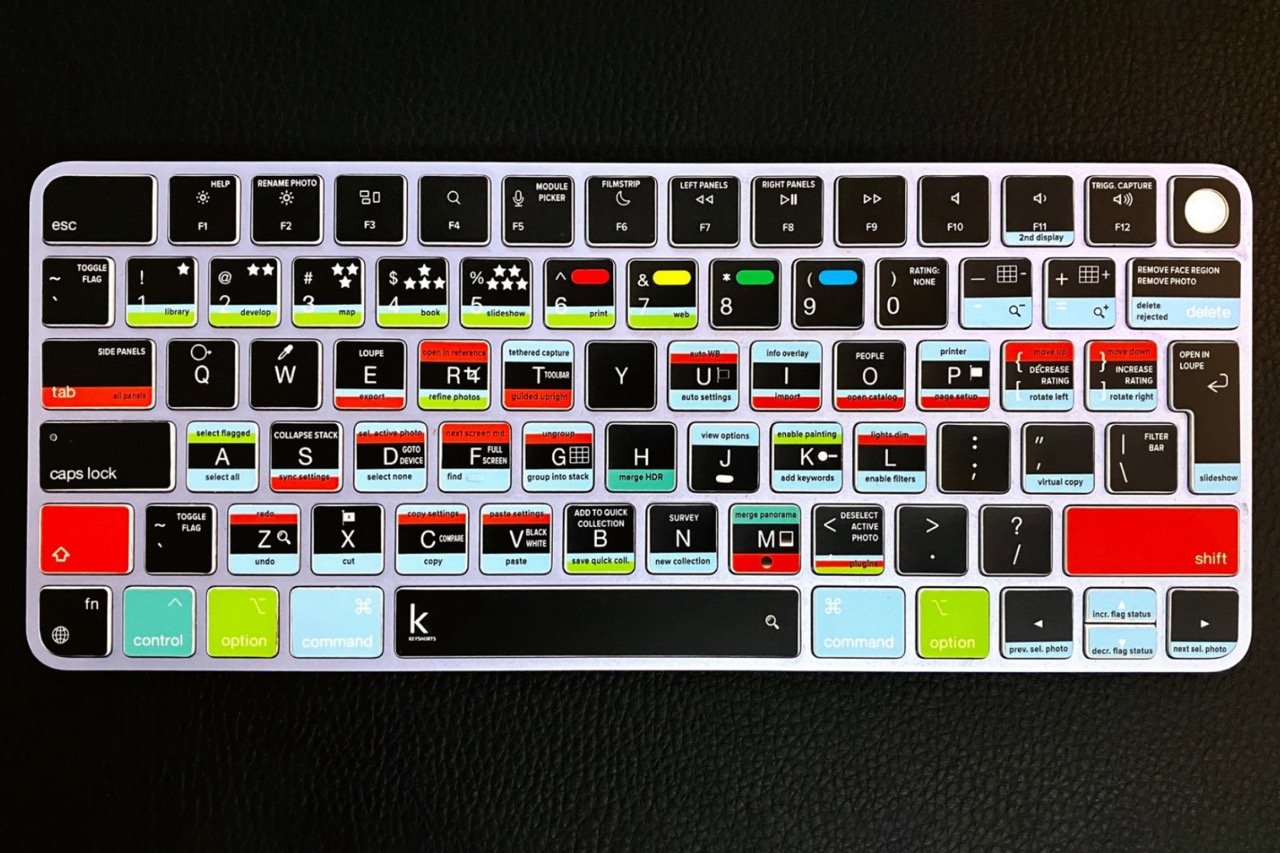
Adobe Lightroom® is a very difficult program to learn. There are countless menus, commands, buttons, clicks, selection and editing tools, numerous modules, hidden tricks—you name it. As I like to call it, the software’s user interface alone is like “being inside a cockpit.”
English guides, in their writers’ attempt to explain everything, fall into the trap of over-analysis, with endless screenshots, command combinations, huge blocks of text in tiny print, and pages that rarely run to fewer than 300.
I wanted something else. I wanted what I was missing. Because ultimately, it wasn’t just a guide like this written in Greek that was missing, but more generally:
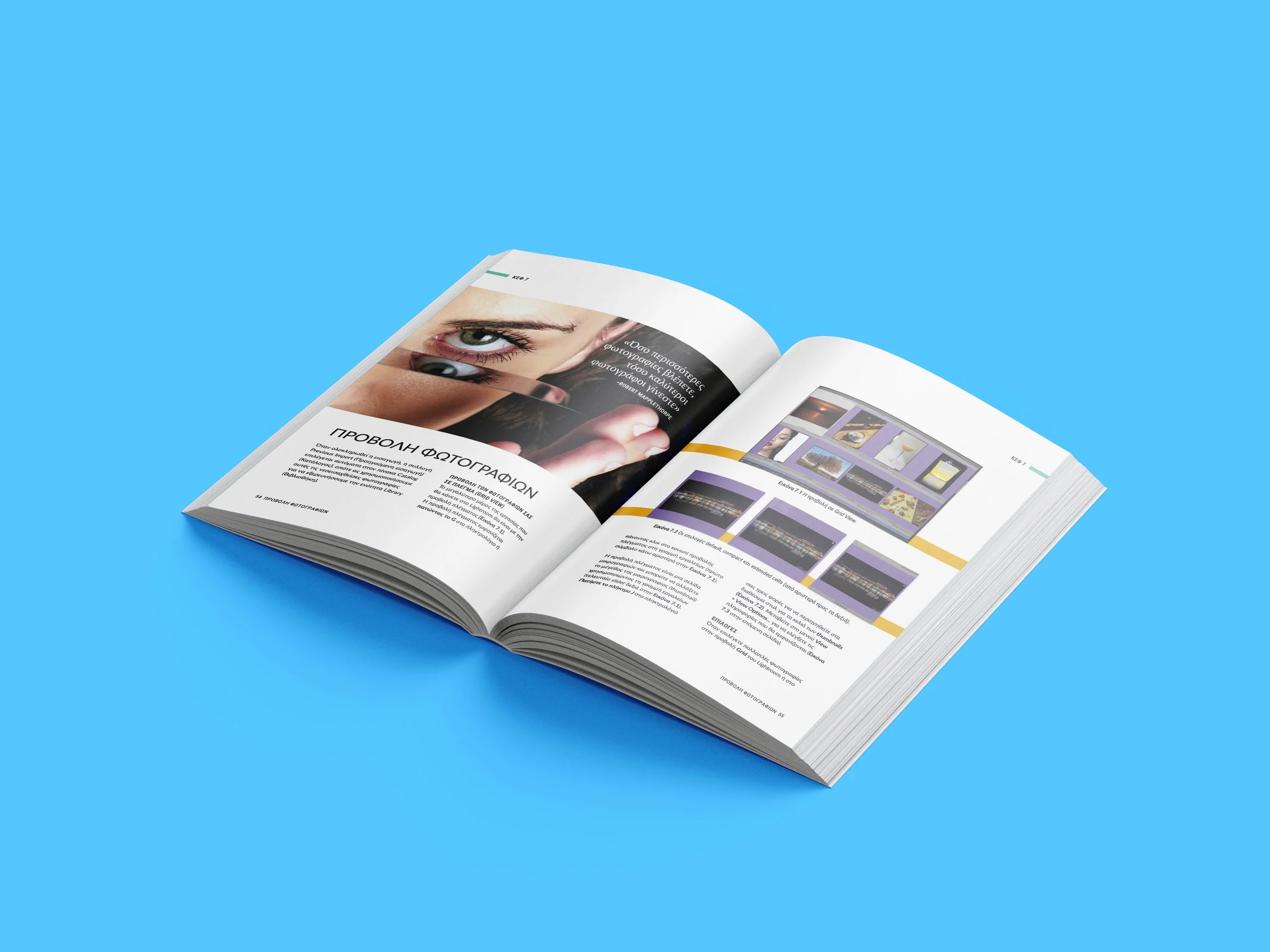
what was missing was a modern, aesthetically pleasing book with concise texts that explain to the novice user everything they’ll need to create their own workflow. At the same time, it would also appeal to the professional as a useful refresher on what they already know.
I want my book to find its place next to the user’s computer, not on their bookshelf.

The solution
Keep it simple
When someone asks me, I have only one answer when it comes to photography (and many other aspects of life, for that matter): keep it simple.
So, I decided to do the same for my book. Instead off analyzing every little minor thing inside Adobe Lightroom®, I chose to follow these simple rules:
Don’t include screenshots unless they’re absolutely necessary for understanding the text.
Do not explain everything (especially hidden menus, some modules, sections you consider less important, etc.), unless it is something that will be truly useful for everyone’s workflow.
Add lots of photos. Link them to the text.
Don’t write lengthy texts.
Add photos to fill in the blank spaces, so the eye can rest.
Submit your final draft to a professional book editor.
Collaborate with a professional graphic designer.
Choose thick, high quality paper for the printed book.
Include all the latest updates in your chapters.
Am I a writer now?
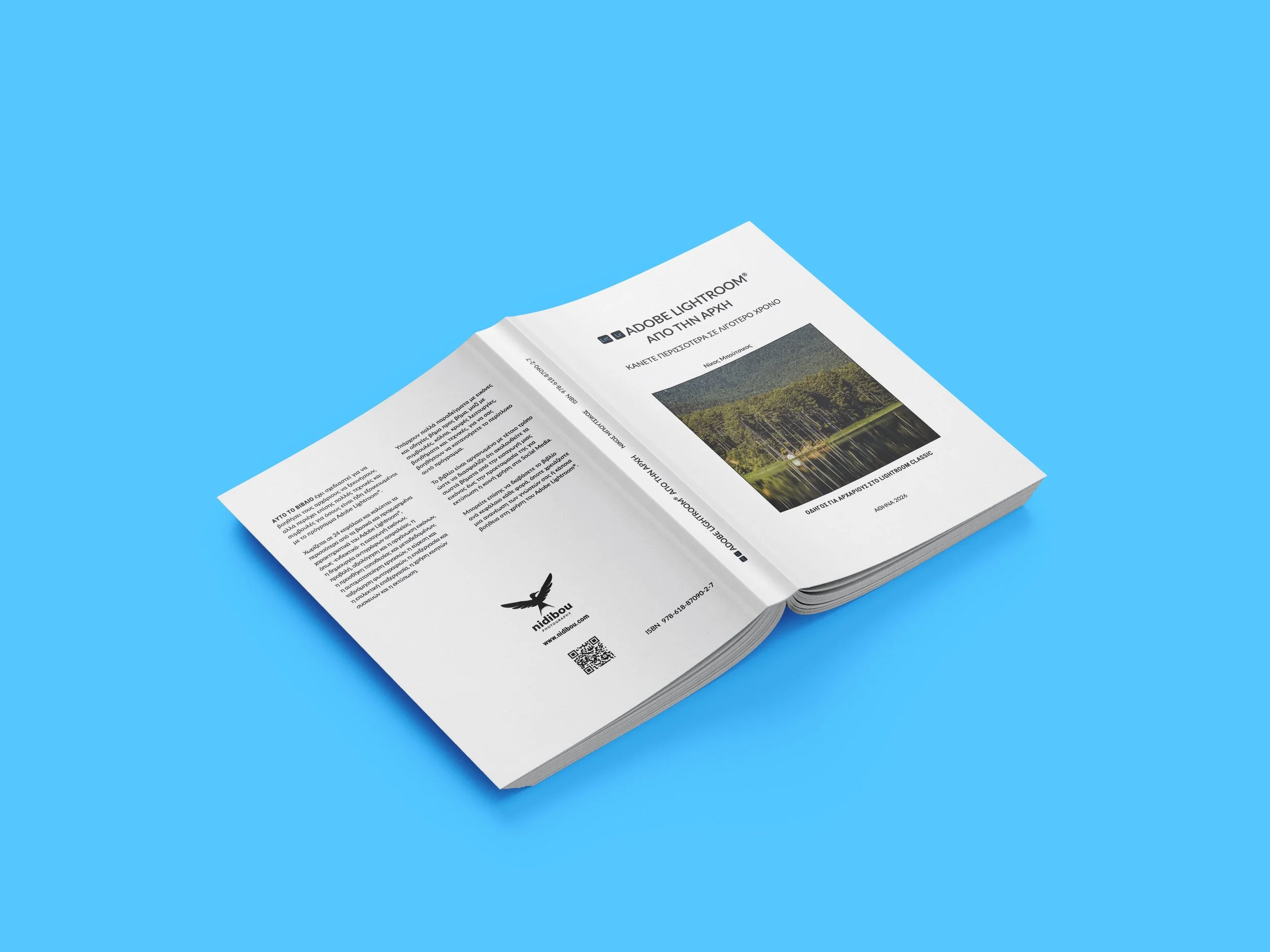
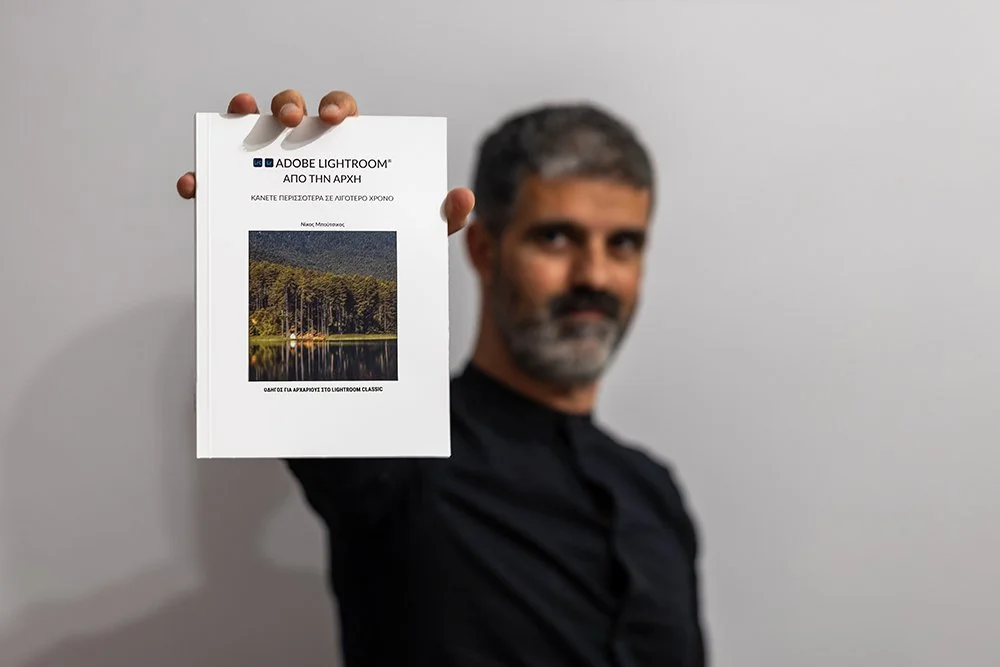
It’s been almost 2 years since the first time I thought of writing a book about using Adobe Lightroom® and now it is finally ready.
A printed book hits different, smells nice and can stay in the reader’s hands forever.
I feel very lucky to have managed to finish this book, and I hope my readers will love it even half as much as I did while creating it.
RELATED CONTENT


All my life, I’ve dreamed of writing a book. Ideally, a great novel, but anything would do. So, when I first…